Hosted Pro
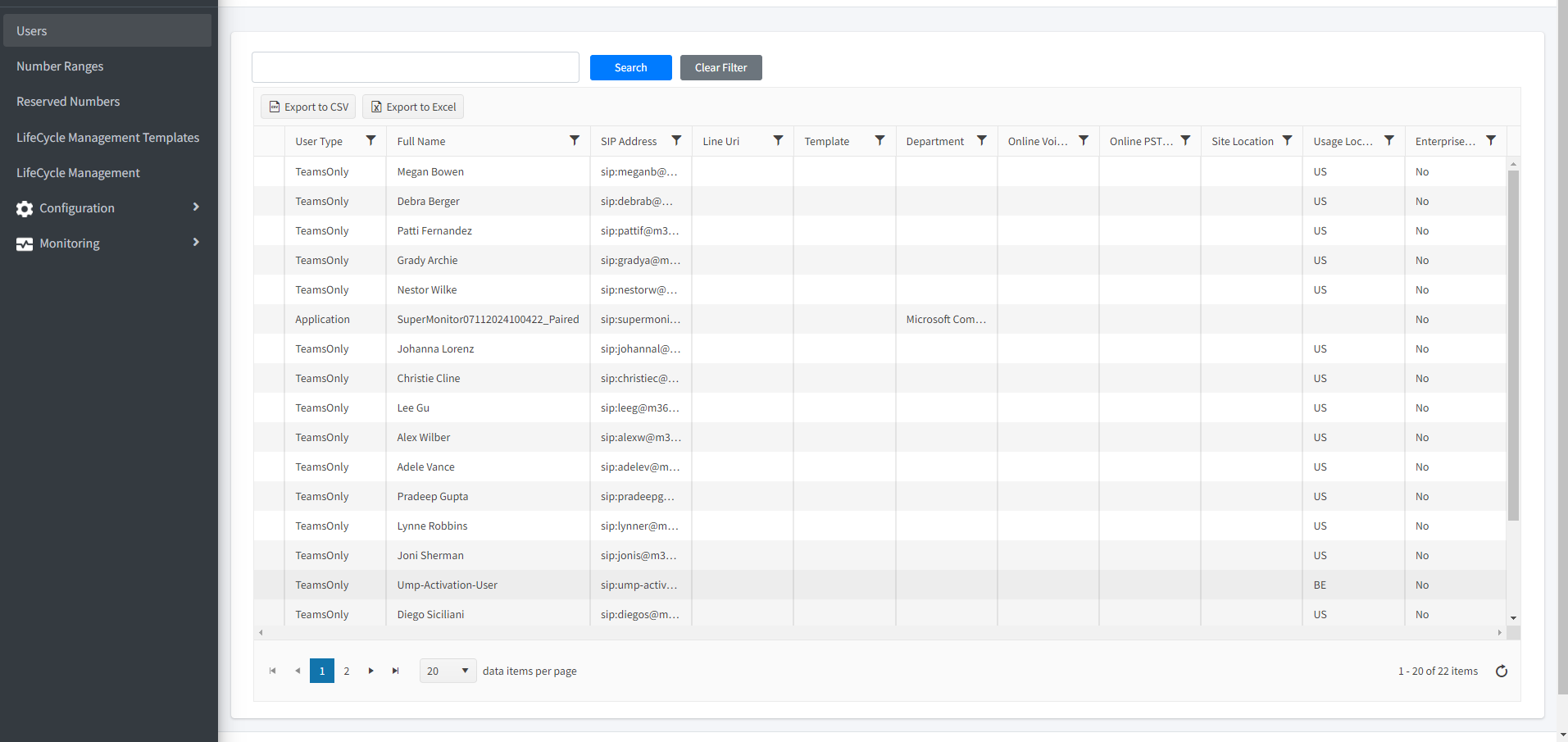
Before commencing to configure your service, see Getting Started with Direct Routing Hosted ProThe following configuration options are available with the Hosted Pro license:
| ■ | Manage M365 User Configuration (see User Management) |
| ■ | Reserved Numbers (see Reserving Customer Phone Numbers) |
| ■ | LifeCycle Management Templates (see LifeCycle Management Templates) |
| ■ | Number Inventory (see Number Inventory) |
| ■ | LifeCycle Management (see LifeCycle Management) |
| ■ | Monitoring: |
| ● | Queued Changes (see Monitoring M365 Replication Actions Queue) |
| ● | Audit (see Viewing Audit and Roll Back Historical Updates) |
| ● | UMP License (see Managing User Licenses) |
| ■ | Configuration: |
| ● | M365 Configuration (see Securing Microsoft 365 Service Provider Access) |
| ● | Online Voice Routing (see Voice Routing Policy) |
| ● | Manage SIP Connections (see Managing SIP Connections) |
| ● | LBR Network Topology (see Location-Based Routing) |
| ➢ | Do the following: |
| 1. | Open the Services page (Topology menu > Services tab). |
| 2. | Select the check box adjacent to the relevant service. |
| 3. | From the Direct Routing drop-down menu, choose Edit Service. |
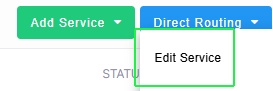
The Service portal is displayed.